
Amazon Bestseller Analysis 2026: Guide for Authors
Discover why romance is declining and thrillers dominate in 2026. Real data analysis and self-publishing strategies for success on Amazon KDP.
Leer más
Danyer Acuña Cifre
Alavante Contributor, Market Analyst at Amazon KDP
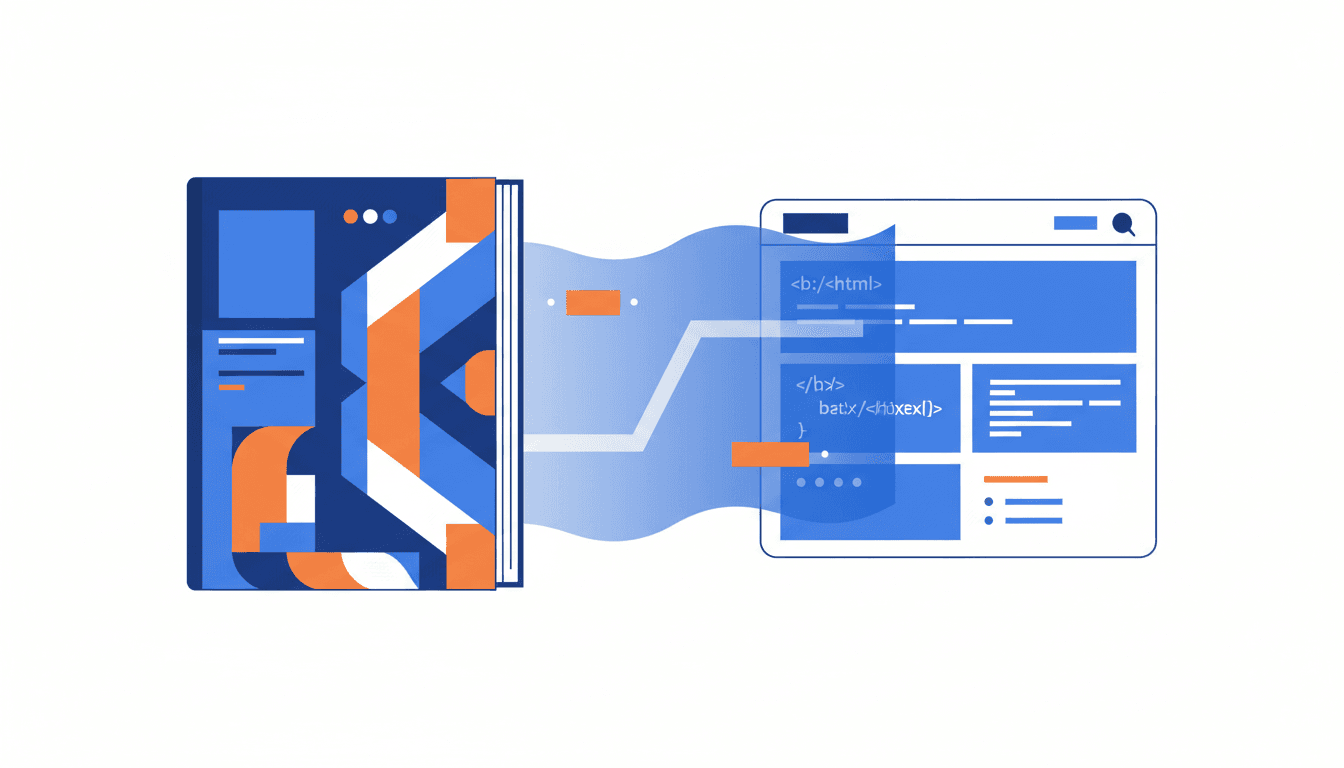
Your KDP description isn't a summary; it's your most powerful sales tool. Learn how to use it to turn curious readers into buyers.
You spend months, even years, writing your book. You craft every word, every comma. Then, you get to the Amazon KDP description and paste a block of unformatted text, hoping people will understand your work's brilliance.
That's the first mistake. The description is your sales pitch. In a saturated market, a dense block of text repels readers, especially on mobile devices where decisions are made in seconds.
Key Stat: In 2025, over 70% of Amazon KDP sales are made on mobile devices. If your description isn't readable and engaging on a small screen, you're losing sales.3
The good news is that Amazon gives you the tools to stand out. Using basic HTML isn't a technical trick; it's a marketing necessity.
You will learn how to structure a description that grabs attention, improves your SEO positioning, and increases your conversions by up to 30%.
Why use code if you're not a programmer?
Because you don't need to be one. Amazon KDP allows a very limited and safe set of HTML tags for one reason only: to improve readability. Forget complex designs; the goal is to guide the reader's eye to what's important.
Allowed tags are your best friends. With <b> and </b> you apply bold text to highlight benefits or impactful phrases. Use <i> and </i> for italics, perfect for quotes or subtle emphasis.
The line break, <br>, is crucial for creating short, airy paragraphs. Break up those walls of text. To list features, awards, or key themes, use unordered lists with <ul> to open the list and <li> for each item.
Authors who implement these simple tags report sales increases of up to 30% on their launches.2 It's not magic; it's professional presentation. A well-formatted description conveys quality and trust.
A effective description isn't improvised. It follows a proven structure that works with the psychology of the online shopper. Divide it into three clear parts.
This is the only thing 90% of users will see without clicking "read more." You have two or three lines to stop their scroll. Your formula should be:
<b> here.This is where you expand on the hook's promise. Use short paragraphs and HTML tags to maintain structure.
For fiction, introduce the characters, the conflict, and what's at stake. Don't tell the whole plot. Create questions in the reader's mind.
For non-fiction, use lists (<ul> and <li>) to enumerate the benefits. What will the reader learn? What problem will they solve? Be specific.
In both cases, integrate your keywords naturally. If your book is about "productivity for creatives," make sure those words appear without sounding forced. Tools like Publisher Rocket are excellent for finding the keywords your readers are actually searching for.8
At the end of the description, tell the reader exactly what to do. Don't assume they know. Be direct.
Use clear and persuasive phrases like "Buy now and discover...", "Add this thriller to your cart," or "Get your copy to start improving your habits today." Placing this CTA in bold can give it one last visual push.
Writing and formatting your description directly in the KDP text box is a recipe for disaster. You need a workflow that allows you to test and visualize your changes.
The best practice is to write your description in a simple text editor. Tools like Visual Studio Code or Sublime Text have HTML previews that let you see how the formatting will look before you copy and paste it into KDP.
Here is a comparative table of useful tools:
| Tool | Primary Use | Cost | Learning Curve |
|---|---|---|---|
| Publisher Rocket | Keyword and category research | Paid | Low |
| Visual Studio Code | Text editor with HTML preview | Free | Low-Medium |
| Amazon KDP Guidelines | Check official policies and guidelines | Free | Low |
This process saves you time and prevents you from publishing a description with formatting errors that could be penalized or simply scare away buyers.
What could go wrong with such simple code?
More than you think. A small error can ruin the entire presentation. Avoid these mistakes at all costs.
| Common Mistake | Symptom | Solution |
|---|---|---|
| Incorrect or excessive HTML | Text is displayed with visible tags (e.g., <b>text) or the description is rejected. | Use only allowed tags (<b>, <i>, <br>, <ul>, <li>) and ensure every opening tag has a closing tag. |
| Ignoring SEO | Your book doesn't appear in relevant searches, leading to low organic sales. | Research keywords with specific tools and use them naturally in the title, subtitle, and description. |
| External links or promotions | Amazon rejects the description for violating content policies. | Never include URLs, email addresses, or references to other sales sites. The description is only for selling the book on Amazon.4 |
| Long paragraphs | The reader abandons reading due to text density, especially on mobile. | Use <br> to create paragraphs of 2-3 lines maximum. Let the text breathe. |
"In author groups, the most common mistake mentioned is not testing the description on a mobile phone. What looks good on your 27-inch monitor is an unreadable wall of text on a phone." - Tip from self-publishing communities.
Your Amazon KDP description is one of the few free and powerful marketing tools you have. Leaving it to chance is a luxury you can't afford in the competitive 2025 market.
Review your descriptions today. Apply the hook, body, and CTA structure. Use basic HTML to guide the reader's eye and make your text scannable and attractive. Optimize with the right keywords so you can be found.
This isn't about being a code expert; it's about being a marketing strategist. A few well-placed tags can be the difference between a book that languishes in the rankings and one that becomes a bestseller.
1 How to Publish on Amazon KDP Step by Step | 2025 Guide
2 Book Descriptions on Amazon KDP [MASTERCLASS]
3 Based on analysis from self-publishing communities on mobile purchasing trends 2024-2025.
5 Author communities on editorial marketing
6 The Ultimate Guide to Amazon SEO for KDP
8 Publisher Rocket Official Site
Discover why romance is declining and thrillers dominate in 2026. Real data analysis and self-publishing strategies for success on Amazon KDP.
Leer más
Discover how to stop seeing your free ebook as a simple giveaway and transform it into the epicenter of a marketing ecosystem designed to gain visibility, reviews, and, above all, loyal readers who will buy your next books.
Leer más
Learn to design an Amazon KDP cover that sells. A 2025 guide with technical specs, tools, and common mistakes to avoid to stand out and boost your conversions.
Leer más